
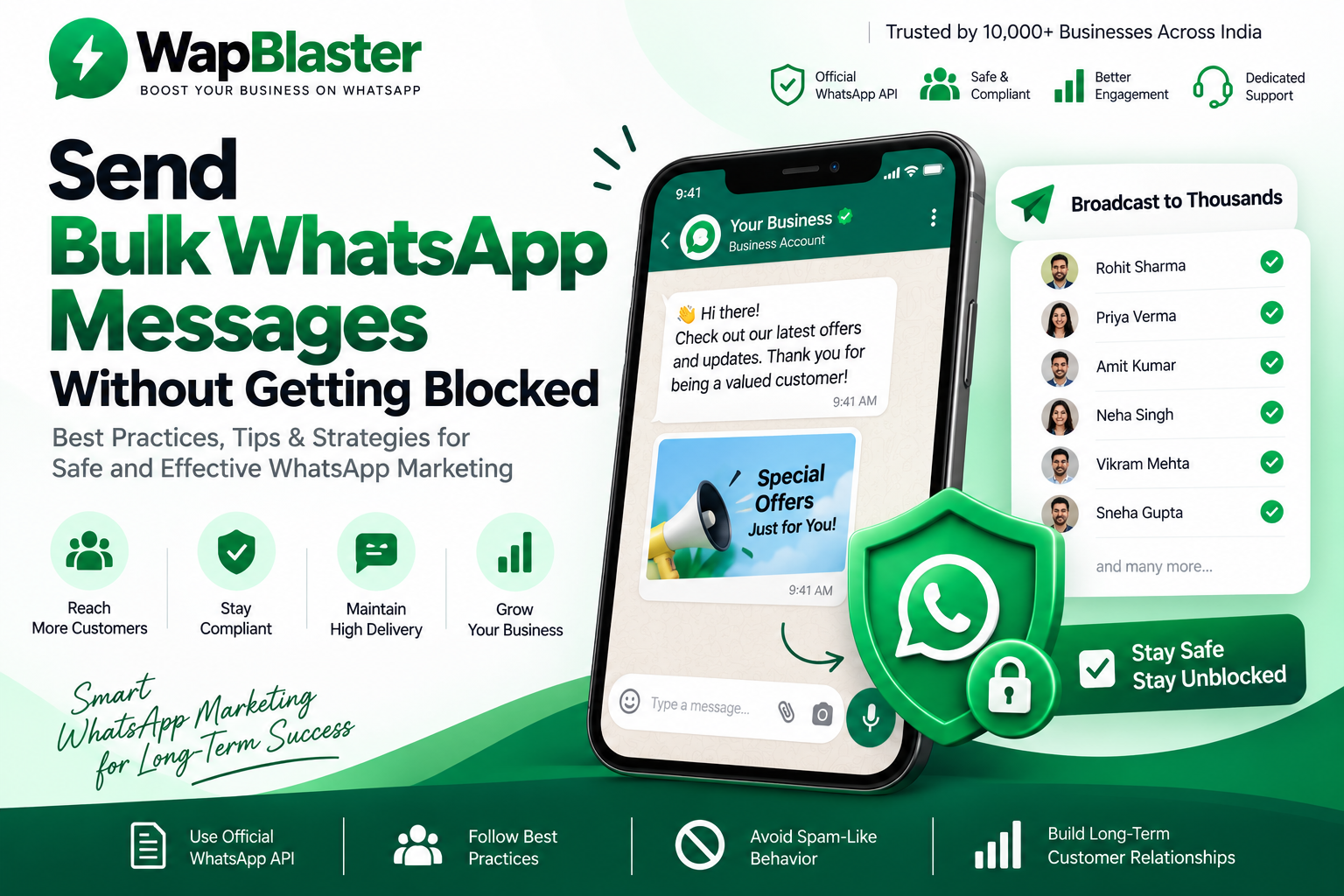
Sending bulk WhatsApp messages is one of the highest-converting marketing channels available — but only if your number stays healthy. Getting blocked or flagged for spam can shut down your account overnight. Here are 12 proven best practices to send at scale safely using the official WhatsApp Business API.
Why WhatsApp numbers get blocked
WhatsApp protects users aggressively. Numbers are usually restricted for a mix of reasons: messaging people who never opted in, high block or report rates, sending identical unsolicited content in bulk, or using unofficial "grey" tools instead of the official API.
12 best practices to avoid getting blocked
- Use the official WhatsApp Business API. Unofficial bulk senders and modded apps are the fastest way to a permanent ban. The official WhatsApp Cloud API is the only safe route at scale.
- Collect explicit opt-in. Only message people who agreed to hear from you. Keep a record of when and how they opted in.
- Warm up new numbers gradually. Don't send 10,000 messages on day one. Increase volume steadily over the first few weeks.
- Use approved message templates. Business-initiated messages must use templates approved by Meta — this keeps you compliant and reduces rejections.
- Personalise every message. Use the recipient's name and relevant details. Identical mass texts look like spam.
- Provide clear value. Order updates, useful offers and reminders get engagement; generic blasts get reported.
- Make opting out easy. Honour "STOP" requests instantly and remove those contacts.
- Watch your quality rating. Meta assigns each number a quality rating (green/yellow/red). If it drops, slow down and improve your content.
- Avoid link-heavy, spammy content. Excessive links, all-caps and misleading claims raise red flags.
- Respect messaging limits. Stay within your tier's daily conversation cap and scale it up by maintaining quality.
- Segment your audience. Send relevant campaigns to smaller, targeted groups instead of one giant list.
- Monitor delivery and block rates. A sudden spike in blocks is an early warning — pause and investigate.
How WapBlaster keeps your sending safe
WapBlaster runs entirely on the official WhatsApp Cloud API, with queue-based delivery, template management, contact opt-out handling and real-time delivery analytics — so you can scale campaigns while protecting your number's health.
What to do if your number is already restricted
- Stop all campaigns immediately.
- Review recent messages for opt-in and content issues.
- Appeal through the WhatsApp Business Manager if you believe it was a mistake.
- Resume slowly with high-quality, opted-in messaging once restored.
How WhatsApp detects spam and abuse
Understanding how WhatsApp decides a number is behaving badly helps you stay on the right side of it. The system watches behavioural signals, not just content: how many people block or report you, how fast you ramp volume, whether recipients engage or ignore you, and whether your sending pattern looks automated and impersonal. A number that sends thousands of identical, unsolicited messages and collects blocks looks exactly like spam, and the system responds accordingly by lowering your quality rating and, if it continues, restricting the number.
The practical takeaway is that engagement protects you. Messages that get opened, read and replied to signal to WhatsApp that people want to hear from you, which is the opposite of spam. Everything you do to make messages more relevant and welcome also makes your number safer.
Warming up a new number the right way
New numbers are the most fragile, because they have no positive history to offset early mistakes. Ramp gradually: start with a few hundred messages a day to your most engaged, recently-opted-in contacts, and increase volume over one to two weeks as your quality rating stays healthy. Prioritise the people most likely to reply first, because early positive engagement builds the reputation that lets you scale. Never launch a brand-new number straight into a ten-thousand-message blast; that is the single fastest way to a restriction.
Building a healthy sending routine
Sustainable bulk sending is a rhythm, not a one-off blast. Keep a routine that protects your number month after month:
- Clean your list regularly, removing numbers that never engage and anyone who opted out.
- Segment so each message is relevant to the group receiving it.
- Alternate value and offers so you are not only ever selling.
- Monitor delivery, read, block and opt-out rates after every campaign.
- Pause and investigate at the first sign of rising blocks rather than pushing through.
Treat your quality rating as a living asset. Protecting it is far cheaper than recovering a restricted number, and a healthy number is what lets you send confidently at scale.
Frequently asked questions
Can I send bulk WhatsApp messages legally?
Yes — using the official API, approved templates and proper opt-in. Bulk messaging through unofficial tools violates WhatsApp's terms and risks a ban.
How many messages can I send per day?
It depends on your messaging tier and quality rating. New numbers start with lower limits that increase automatically as you maintain good quality.
Does personalisation really matter?
Yes. Personalised, relevant messages get far fewer blocks and reports, which protects your quality rating and deliverability.
Next steps: Start sending safely with WapBlaster, see pricing, or read our complete WhatsApp Business API pricing guide.