

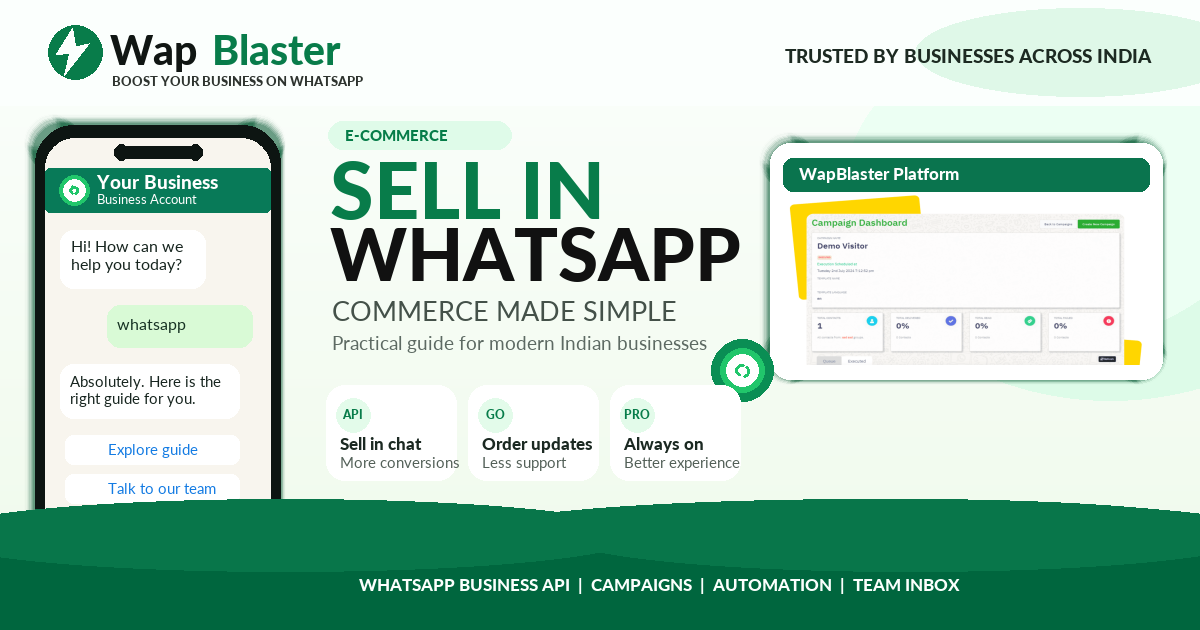
WhatsApp is no longer just a support channel. With catalog and commerce features you can showcase products, share carts and take orders without sending customers to a separate website. Here is how to sell directly in chat in 2026.
What is a WhatsApp catalog
A WhatsApp catalog is a mobile storefront inside your business profile. Each item has an image, price, description and product link, so customers can browse and add products to a cart during the conversation.
Why sell inside WhatsApp
- Fewer clicks between interest and purchase means higher conversion.
- Customers stay in a familiar app instead of loading a slow website.
- Product messages and carts keep the whole buying journey in one thread.
- It pairs perfectly with click-to-WhatsApp ads and broadcast campaigns.
How to set up catalog and commerce
- Verify your business on the WhatsApp Business Platform.
- Add products to your catalog with clear photos, prices and descriptions.
- Enable cart so customers can select multiple items in one order.
- Connect a payment or checkout link to complete the sale.
- Use automated replies to answer product questions instantly.
Tips to convert more
Keep your best sellers near the top, update stock regularly, and use short product messages in campaigns. Always confirm orders and offer help so buyers feel confident.
How WapBlaster helps
WapBlaster lets you manage your catalog, share products in campaigns and automate order replies from one dashboard. Start selling in chat on the WapBlaster platform.
Setting up your catalog for maximum conversions
A WhatsApp catalog only converts if it is built well. Treat each product entry like a mini landing page: a clear, well-lit photo, an accurate price, and a short description that answers the obvious question and highlights the benefit, not just the spec. Order your catalog so best-sellers and high-margin items appear near the top, keep stock and prices current so customers never hit a surprise, and group related items so it is easy to add complementary products to one order.
Combining catalog with campaigns and ads
The catalog is most powerful when it is not standalone. Feature specific products inside broadcast campaigns so a promotion links straight to something buyable. Pair it with click-to-WhatsApp ads so ad clicks land in a chat where the product is one tap away. Use it inside chatbot flows so a customer asking about a category is shown the relevant items immediately. Each of these shortens the path from interest to order, which is the whole point of selling in chat.
Handling questions and closing the sale
Most in-chat sales stall on an unanswered question, so make answering instant. Set up automated replies for common queries like sizing, availability, shipping and returns, and let a human step in for anything complex. When a customer is ready, confirm the order clearly, restate the items and total, and send a payment link or checkout so they can pay without leaving WhatsApp. A smooth, reassuring close, with a clear confirmation and next step, turns interest into a completed, paid order and builds the trust that brings customers back.
Frequently asked questions
What is a WhatsApp catalog?
A mobile storefront inside your business profile where each product has an image, price, description and link, so customers can browse and add items to a cart in chat.
Can customers pay inside WhatsApp?
You can connect a payment or checkout link so customers complete the order without leaving the conversation.
Is catalog good for small businesses?
Yes. It removes friction between interest and purchase and pairs well with click-to-WhatsApp ads and broadcasts.