
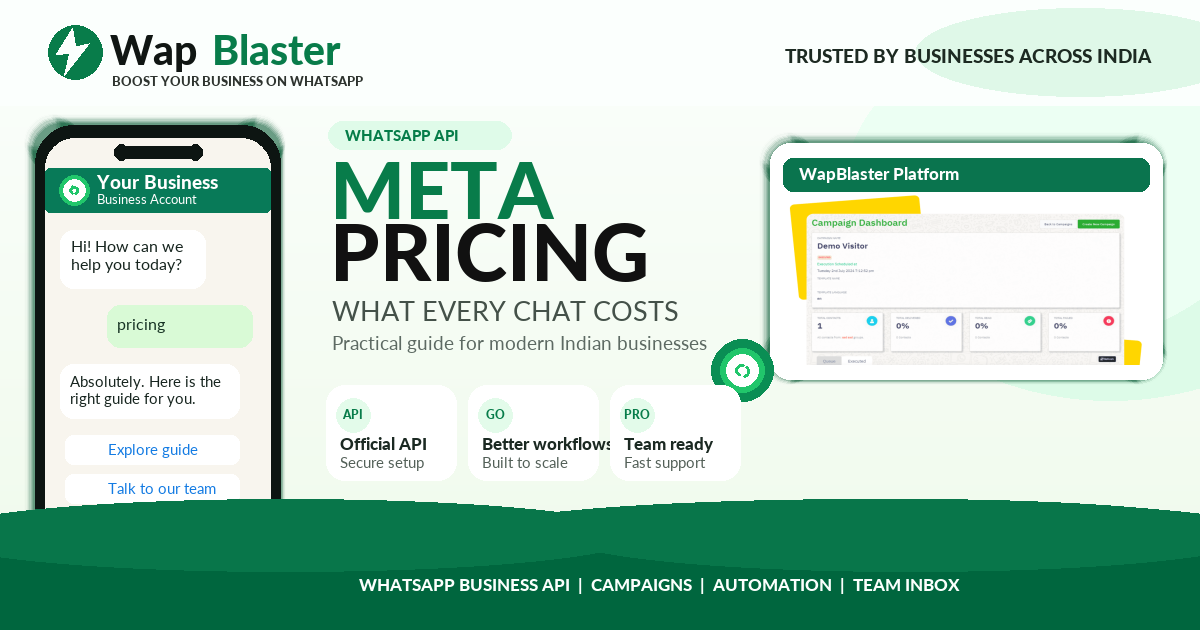
WhatsApp Business API costs confuse many first-time users because Meta charges per conversation, not per message. This guide explains how conversation pricing works in 2026 and how to keep your costs under control.
How Meta charges for WhatsApp
Meta bills you for conversations, which are 24-hour message windows between your business and a customer. Within that window you can exchange multiple messages at no extra charge. The price depends on the conversation category and the country.
The conversation categories
- Marketing: promotions, offers and product announcements.
- Utility: order updates, reminders and account notifications.
- Authentication: one-time passwords and verification codes.
- Service: conversations started by the customer, often free within the free tier.
What affects your bill
- The category of each conversation you start.
- The country code of the customer you message.
- How many unique conversations you open, not how many messages you send.
- Any free-tier or free-entry-point conversations you qualify for.
How to keep costs low
Group messages inside the same 24-hour window, use utility templates where possible, and target engaged contacts so every conversation counts. Clean lists and clear opt-ins reduce wasted spend.
How WapBlaster helps
WapBlaster gives you affordable plans on top of the official API and clear tools to manage conversations efficiently. Compare the pricing on the WapBlaster platform.
Working example: estimating a month of conversations
The clearest way to understand conversation pricing is to work an example. Imagine you plan to send 3,000 marketing messages, 5,000 utility updates such as order confirmations, and receive 1,000 customer-initiated support chats in a month. You are billed for the marketing and utility conversations at their per-category rate for your customers' country, while many of the service conversations fall inside the free tier. Your total is the sum of those category costs plus your fixed platform plan. Because messages to the same customer inside a 24-hour window count as one conversation, grouping your sends keeps that number down.
How the 24-hour window really works
The single most misunderstood part of pricing is the conversation window. When a conversation opens, you can exchange multiple messages with that customer for 24 hours at no extra charge. Sending five separate messages across a day as five isolated conversations costs far more than sending them within one open window. Understanding and using this window, consolidating updates and replies rather than firing off disconnected messages, is one of the biggest levers you have on your bill.
Category strategy to control spend
Because marketing conversations cost the most, a deliberate category strategy pays off. Use utility templates wherever the message is genuinely transactional, an order update, a reminder, an alert, since these are cheaper and always relevant. Reserve marketing conversations for your most responsive, well-segmented audiences so every paid promotional conversation has the best chance of converting. Lean on free service windows by replying within customer-initiated chats. Applied consistently, this category discipline can meaningfully lower your effective cost per outcome without reducing the value customers receive.
Frequently asked questions
How does Meta charge for WhatsApp conversations?
Meta bills per 24-hour conversation window, and the price depends on the conversation category and the customer country, not per individual message.
What are the conversation categories?
Marketing, Utility, Authentication and Service. Service conversations started by the customer are often free within an allowance.
How can I lower conversation costs?
Group messages within one 24-hour window, use utility templates where suitable, and target engaged, opted-in contacts.