
Missed appointments and slow communication cost clinics time and money. WhatsApp lets healthcare providers send reminders, share reports and answer patient questions in a channel everyone already uses. Here is how to use it responsibly in 2026.
Why healthcare uses WhatsApp
Patients open WhatsApp far more than email or SMS, so reminders and updates actually get seen. That means fewer no-shows, faster responses and a smoother patient experience.
Practical use cases
- Appointment confirmations and reminders to reduce no-shows.
- Sharing reports, prescriptions and aftercare instructions.
- Answering common questions with an automated assistant.
- Follow-ups and feedback after a visit.
How to set it up
- Use the official WhatsApp Business API for reliability and compliance.
- Get clear patient consent before messaging.
- Create approved templates for reminders and updates.
- Automate reminders based on appointment times.
- Keep sensitive details minimal and secure.
Best practices
Respect privacy, message only with consent, and keep clinical details appropriate for the channel. Reminders and logistics work well; keep sensitive results handled carefully.
How WapBlaster helps
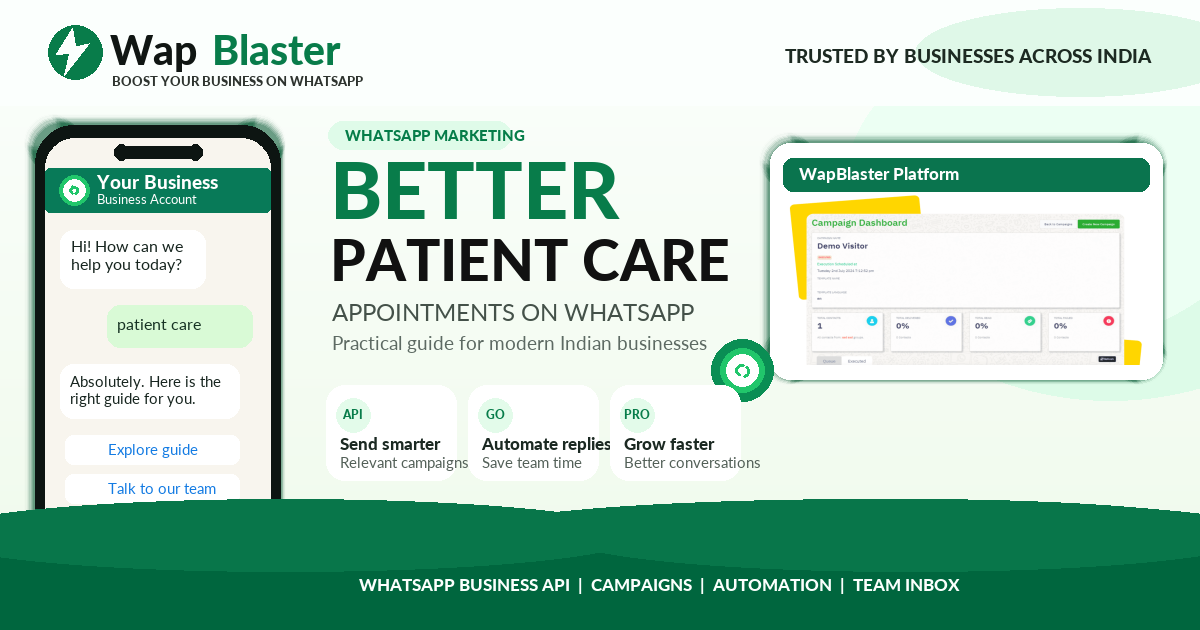
WapBlaster automates appointment reminders, confirmations and follow-ups on the official API. Improve patient engagement on the WapBlaster platform.
Reducing no-shows with smart reminders
No-shows are expensive for any clinic, and WhatsApp is one of the most effective tools against them precisely because reminders actually get read. A simple reminder cadence, a confirmation at booking, a reminder the day before, and a final nudge on the morning of the appointment, gives patients multiple chances to remember or reschedule. Adding a one-tap way to confirm or request a new time turns a passive reminder into an active one, so slots freed by a cancellation can be offered to someone else instead of sitting empty.
Protecting patient privacy
Healthcare communication carries a duty of care around privacy, so keep it appropriate to the channel. Use WhatsApp for logistics, appointments, reminders, general instructions, and collect explicit consent before messaging. Keep sensitive clinical details out of routine messages, and where results or records must be shared, handle them with the extra care and security they deserve. Being transparent with patients about what you will send over WhatsApp, and honouring opt-outs, builds the trust that makes the channel effective while respecting the sensitivity of health information.
Improving the whole patient journey
Beyond reminders, WhatsApp can smooth the entire patient experience. Before a visit, send preparation instructions and directions. After a visit, share aftercare guidance, answer common follow-up questions with an assistant, and check in on recovery. Collect feedback to improve your service and route anything clinical back to staff. Handled well, this consistent, convenient communication reduces anxiety, cuts inbound calls, and makes patients feel cared for between visits, which improves both outcomes and loyalty while easing the load on your front desk.
Frequently asked questions
Is WhatsApp allowed for healthcare communication?
Yes, for logistics like appointment reminders, confirmations and general updates, provided you have patient consent and keep sensitive details appropriate for the channel.
How does WhatsApp reduce no-shows?
Patients open WhatsApp far more than email or SMS, so timely reminders actually get seen, which cuts missed appointments.
Do I need patient consent?
Yes. Always collect clear consent before messaging patients and honour opt-outs immediately.